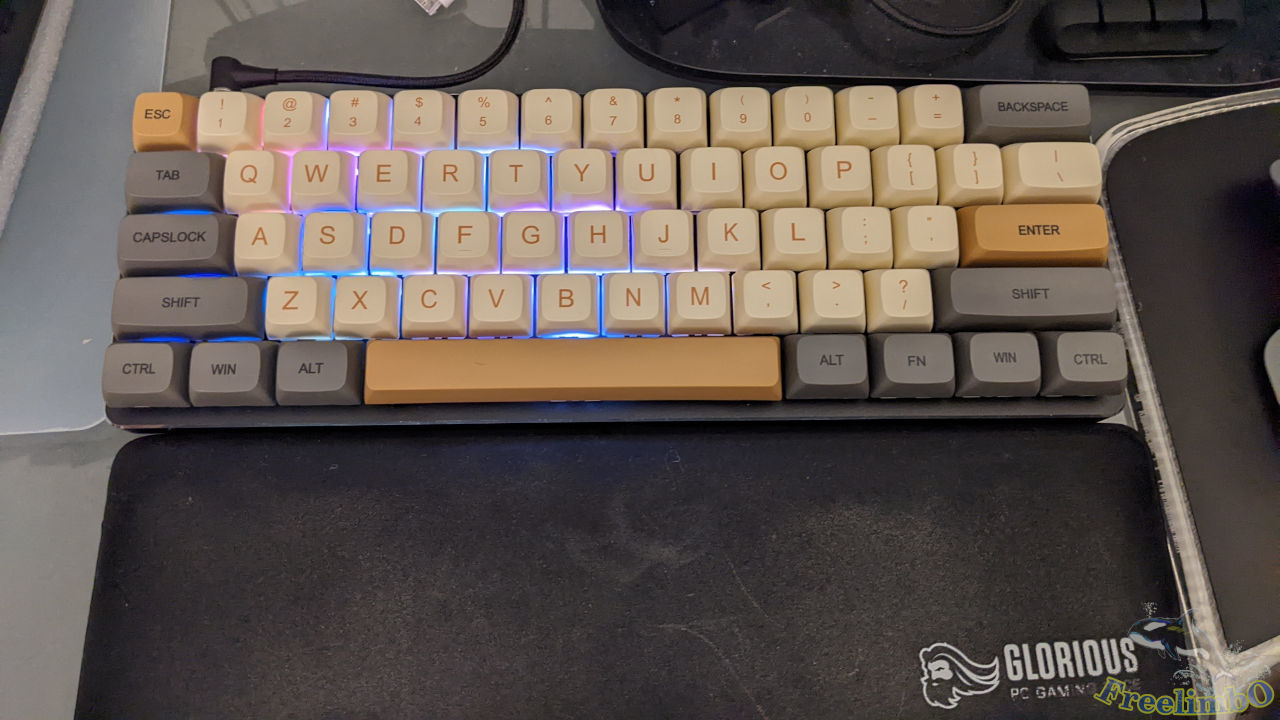
Backplate: GMMK Compact Black
Switch: Gateron Silent Brown
Keycap: XDA Profile
When I finished my urgent project, I realized that it was late December already. Then I decided to reward myself with a new 60% keyboard for my diligence through 2022. However, I cannot find a MK online satisfying all my requirements, which included the 61-keys compact size, floating keycap style, silent brown switch, and XDA profile keycap. Therefore, I had to build my own keyboard.
Backplat
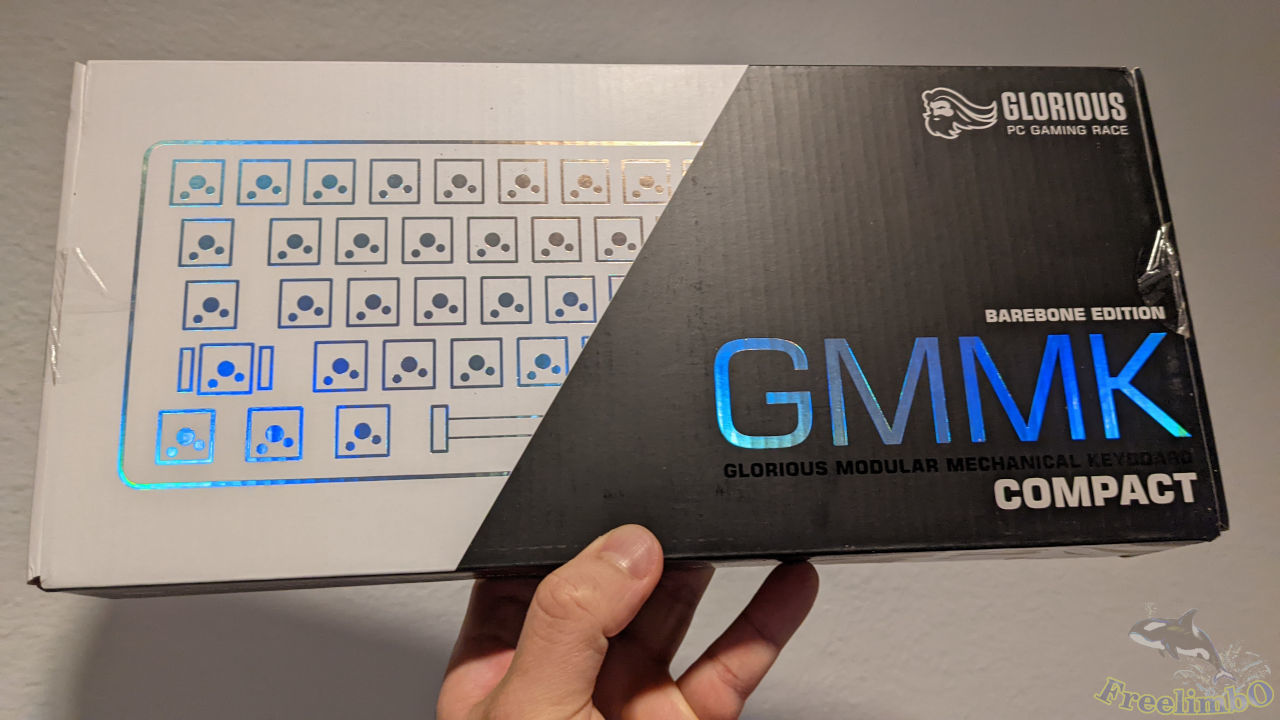
It was a 60% backplate for hotplug mechanical switches. Each switch had an independent colorful LED. GMMK also provided an app to customize the light pattern.
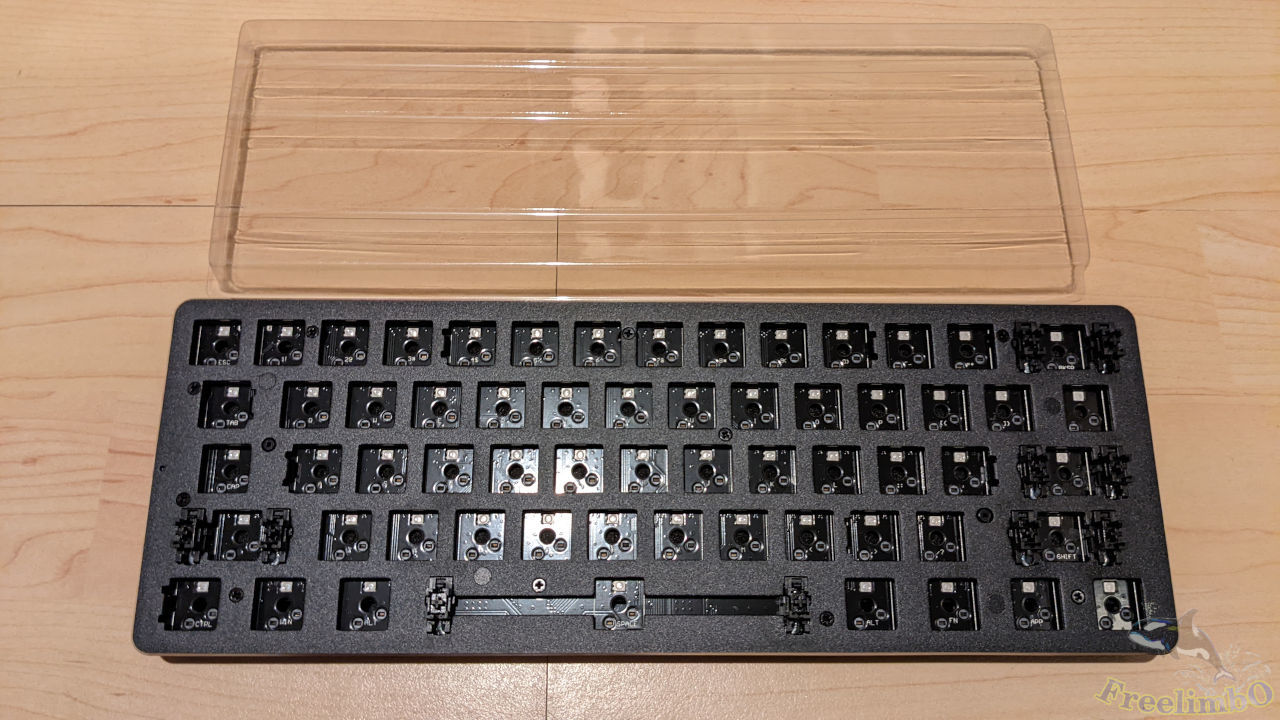
Foaming
To conduct a fair comparison with other keyboards, I also tear down the backplate and foamed the gaps inside.
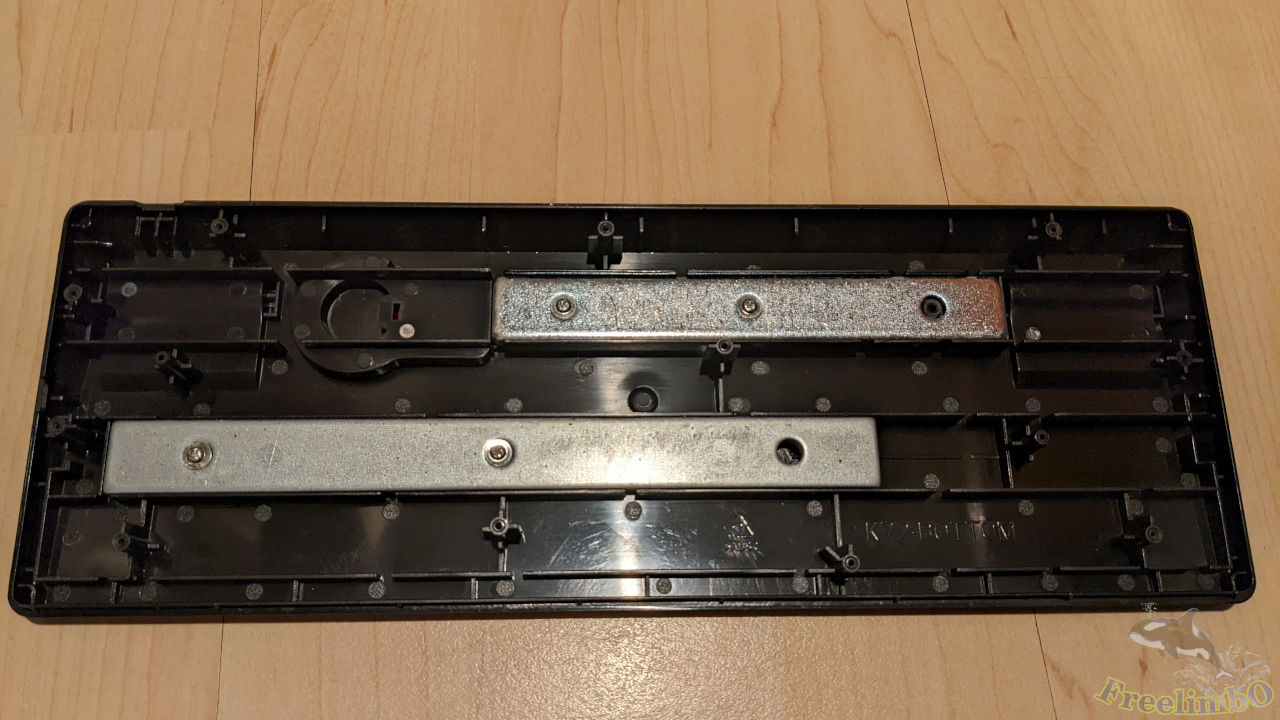
I found that there were some lead blocks to increase the weight for stabilization and reduce vibration.
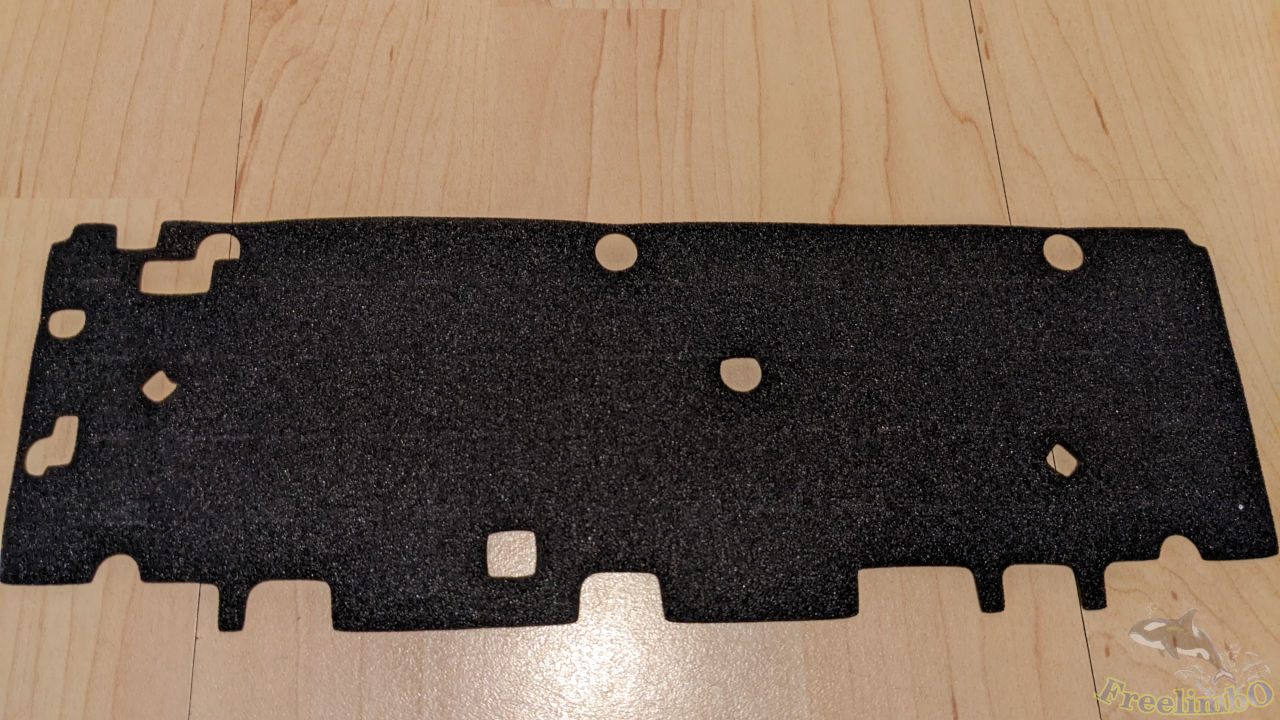
The isolation cloth beneath the PCB.
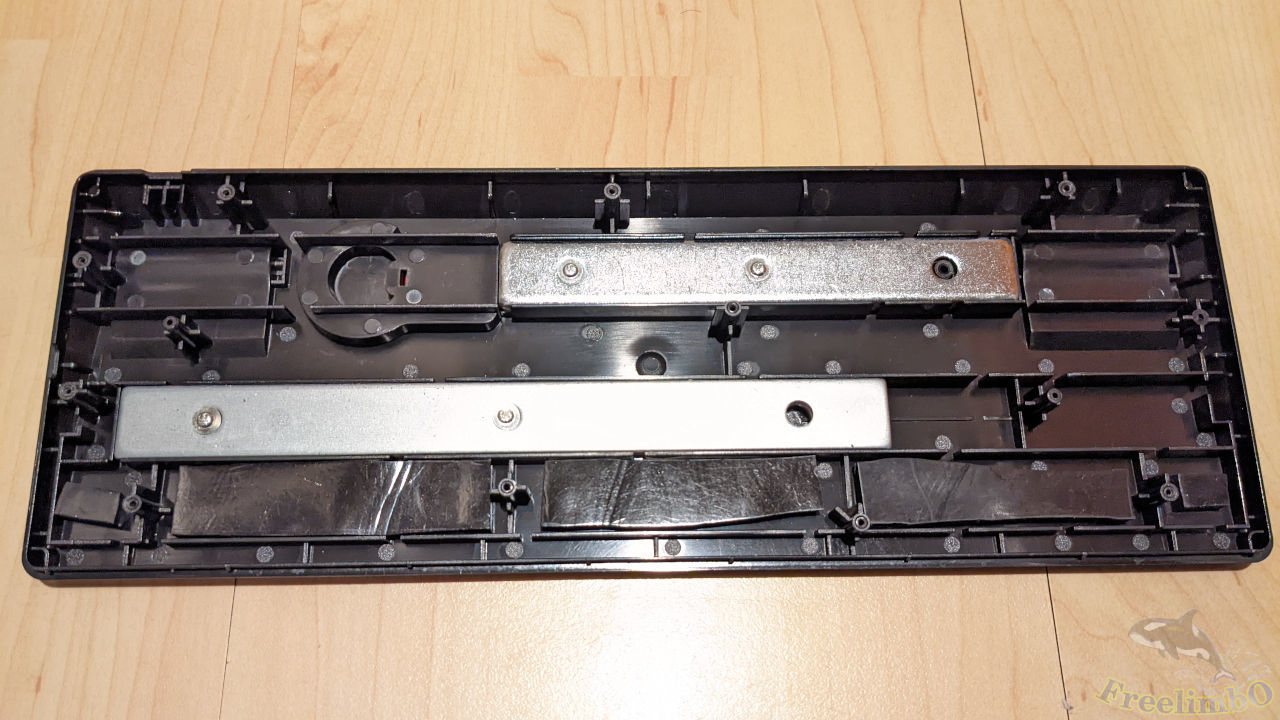
I cut some pieces of Sorbothane foam to fill in the gaps.
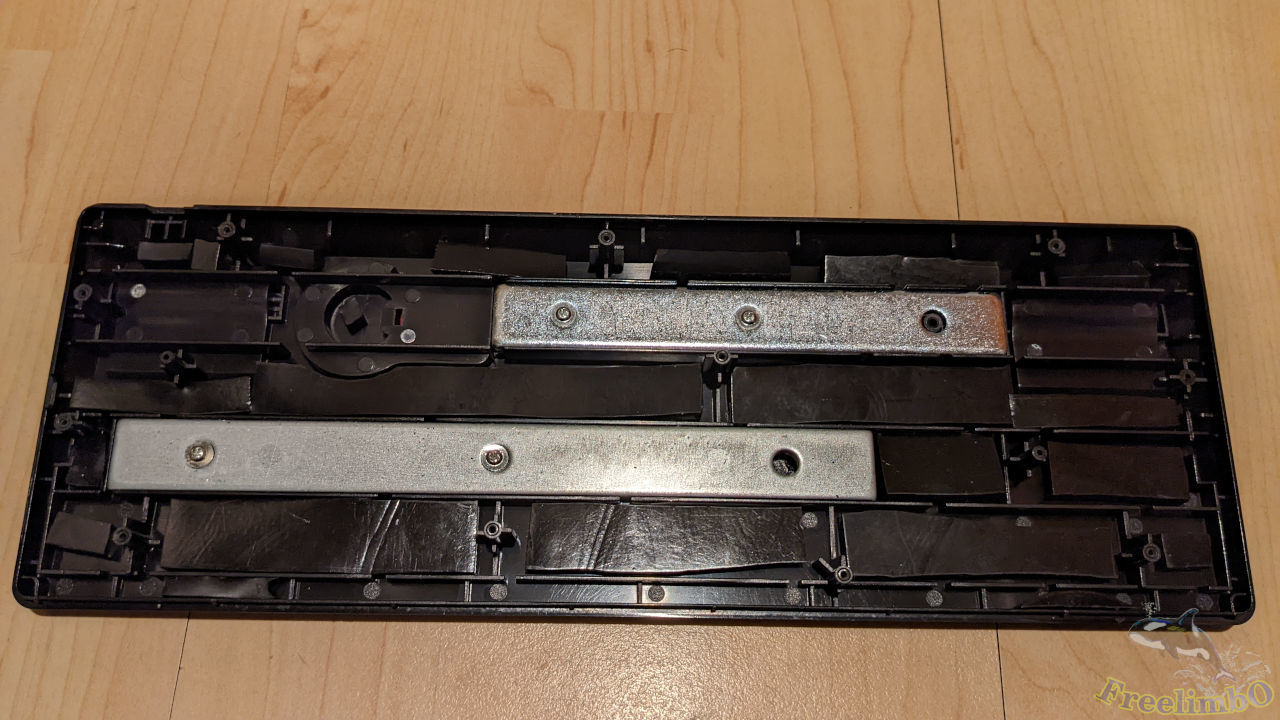
Almost all gaps were filled.
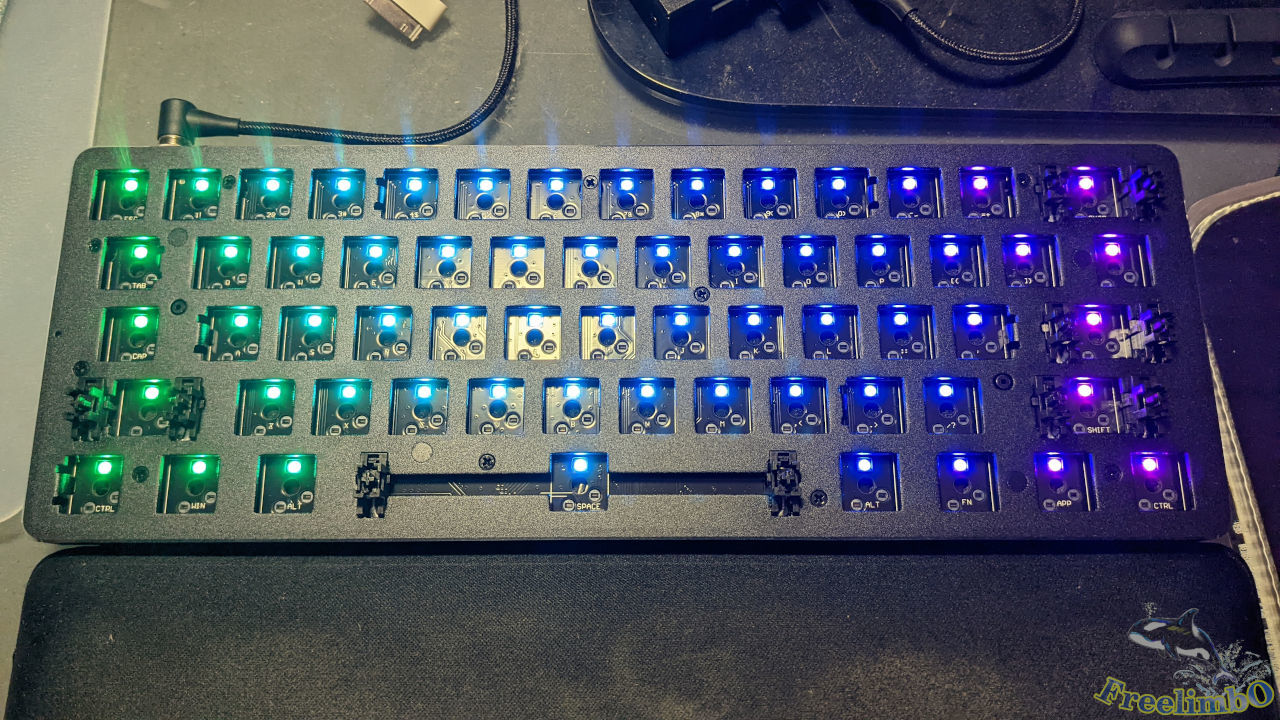
Then assembled the backplate and test the RGB lights. Still looked great.
Switch
I occasionally heard that Gateron had silent brown switches. So I chose to give it a try.
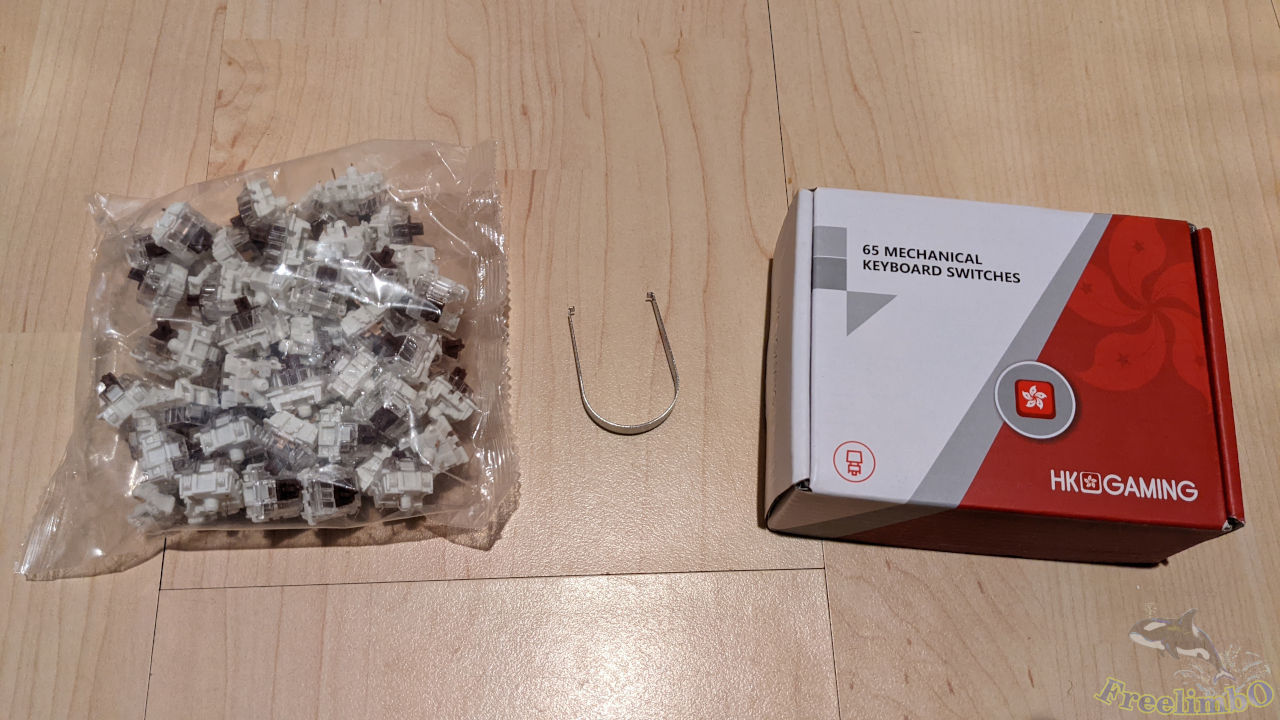
It came with a switch puller and a bag of switches.
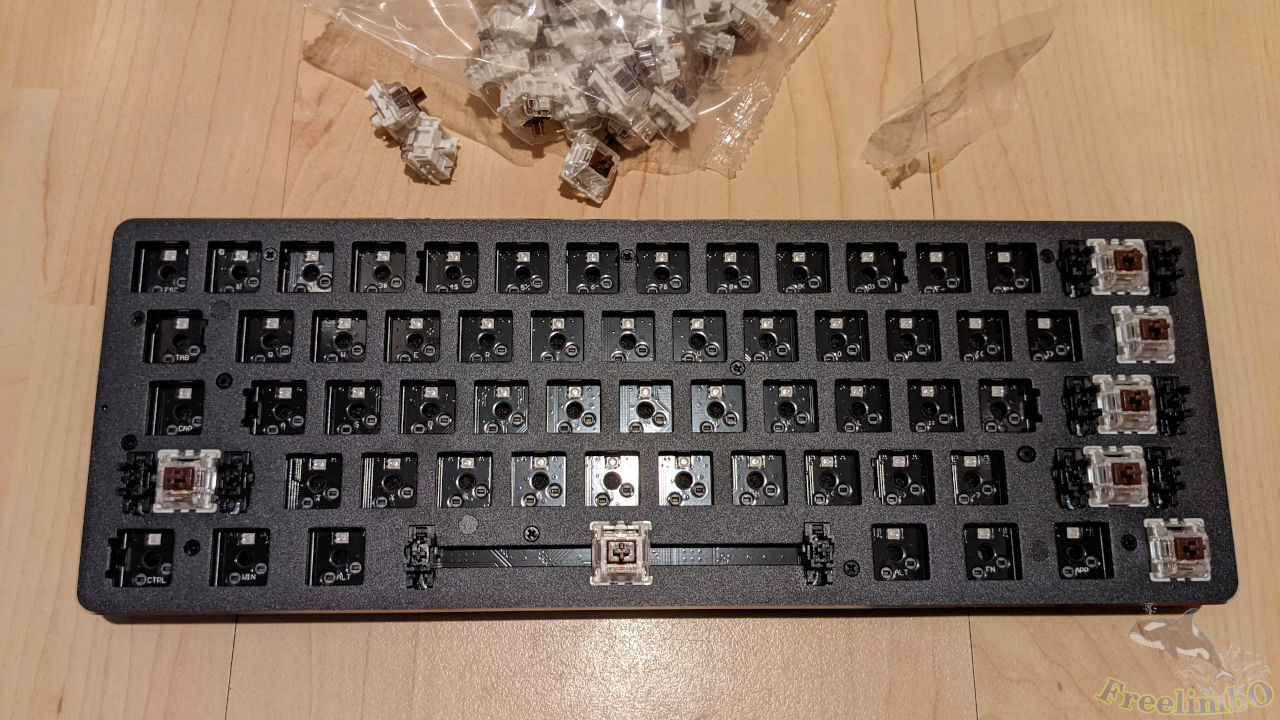
Got started to install the switches.
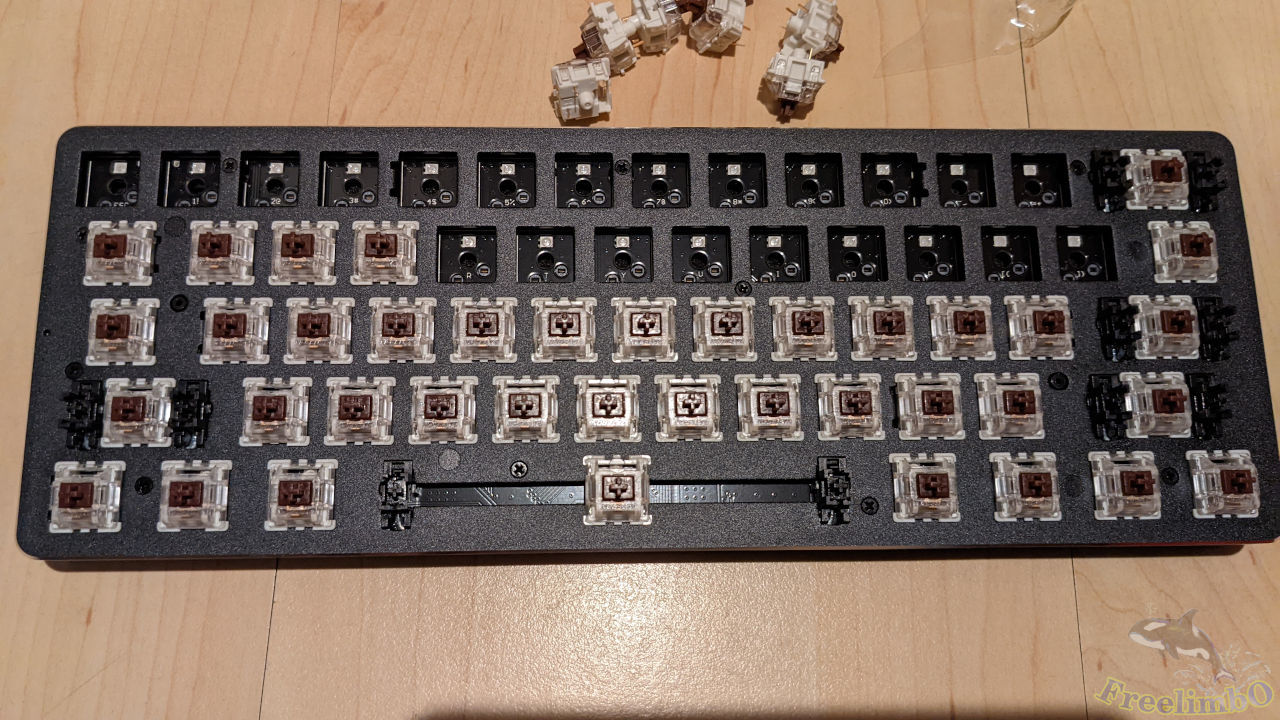
Keep going.
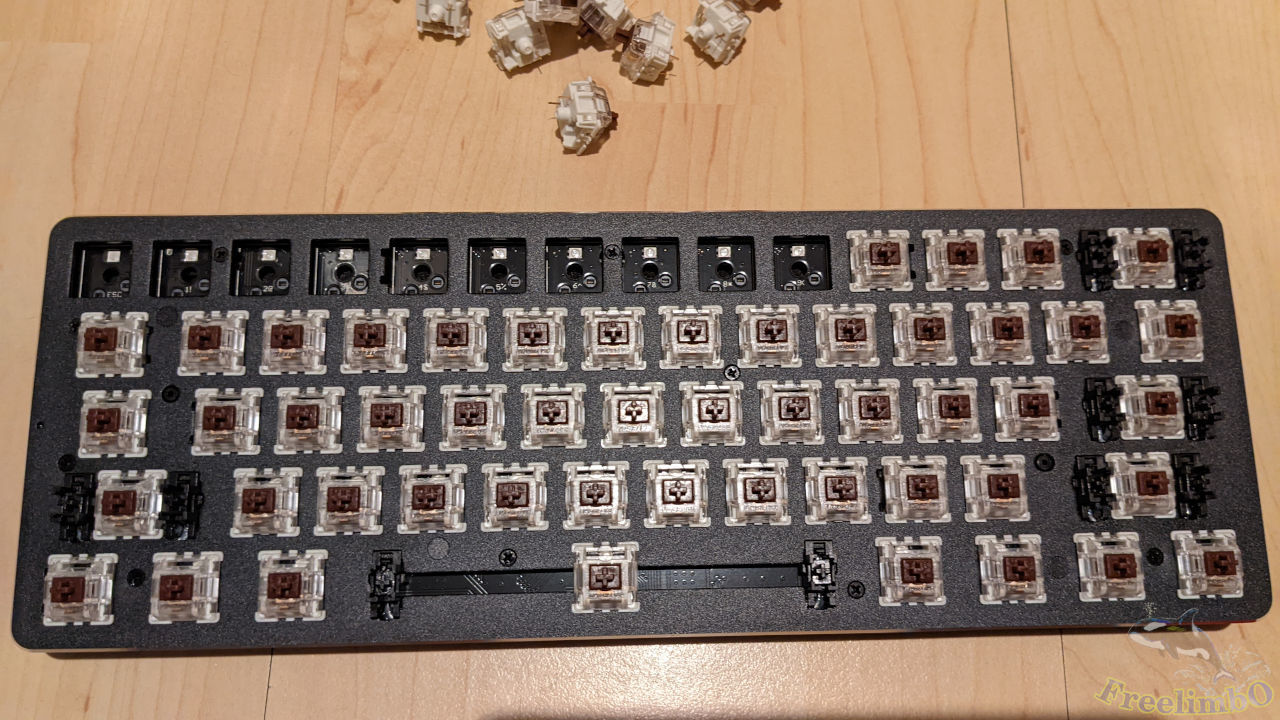
Almost done.
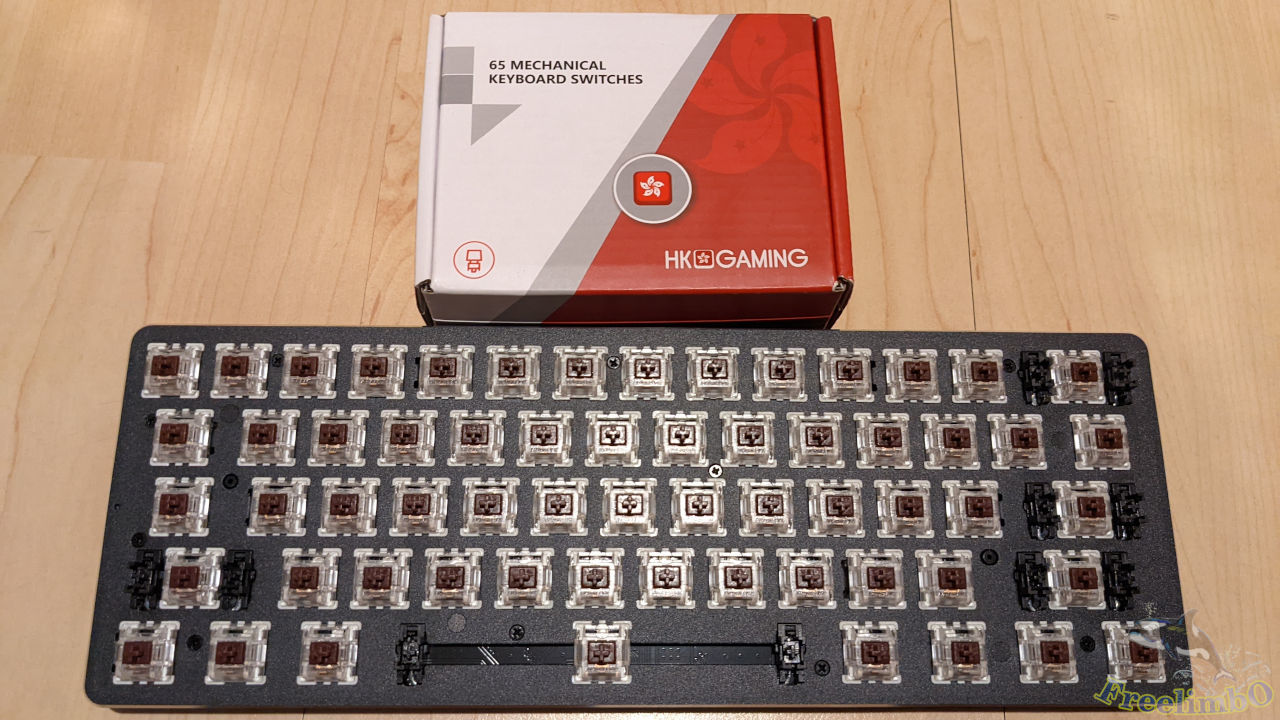
61 switch installed. I got 5 more left, so there were actually 66 switches in the bag.
XDA Profile Keycaps
I found the XDA profile looked cute to me, so this time I got a set of darker XDA caps with some brown keys to remind me of the brown switches.
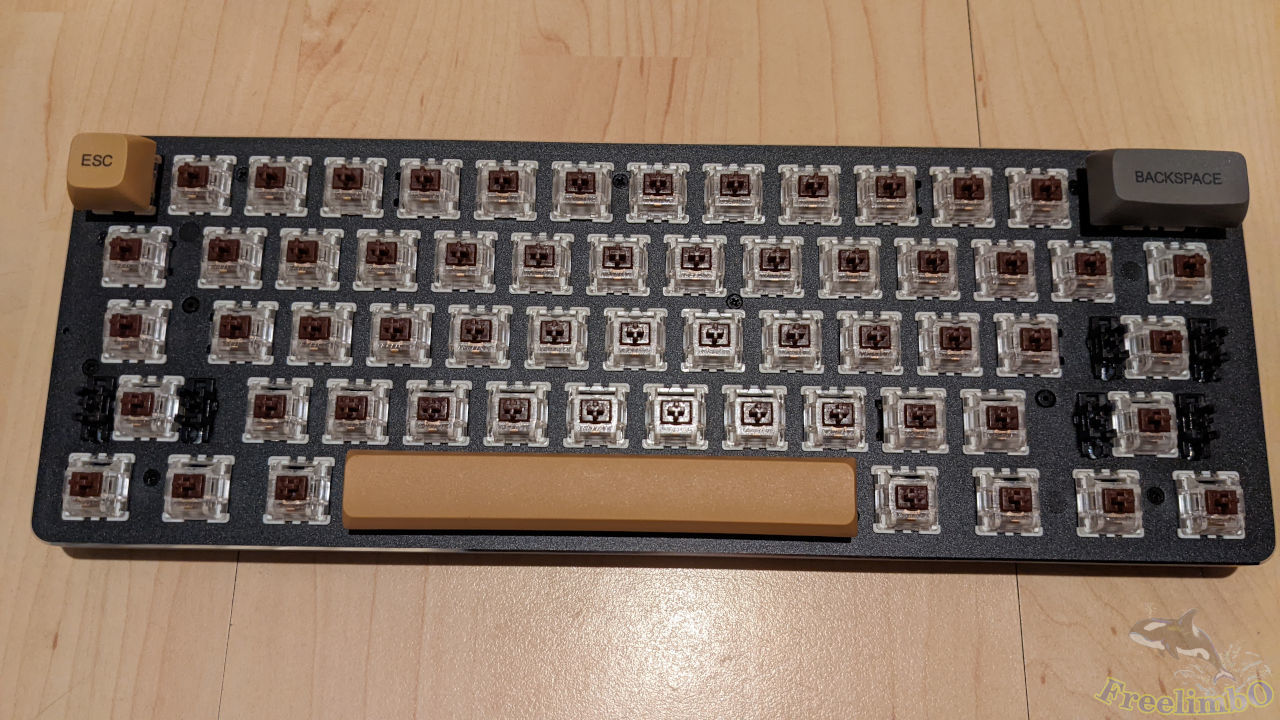
Get started to install the keycaps.
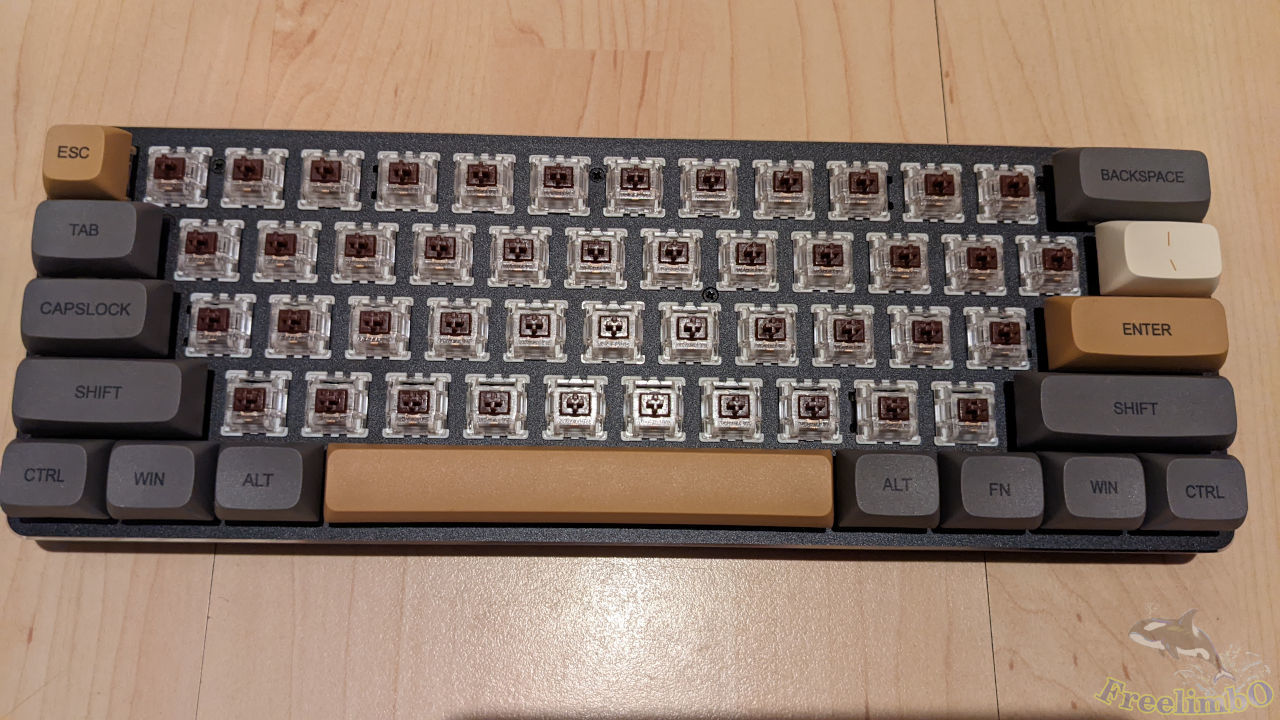
All long keys and the escape key.
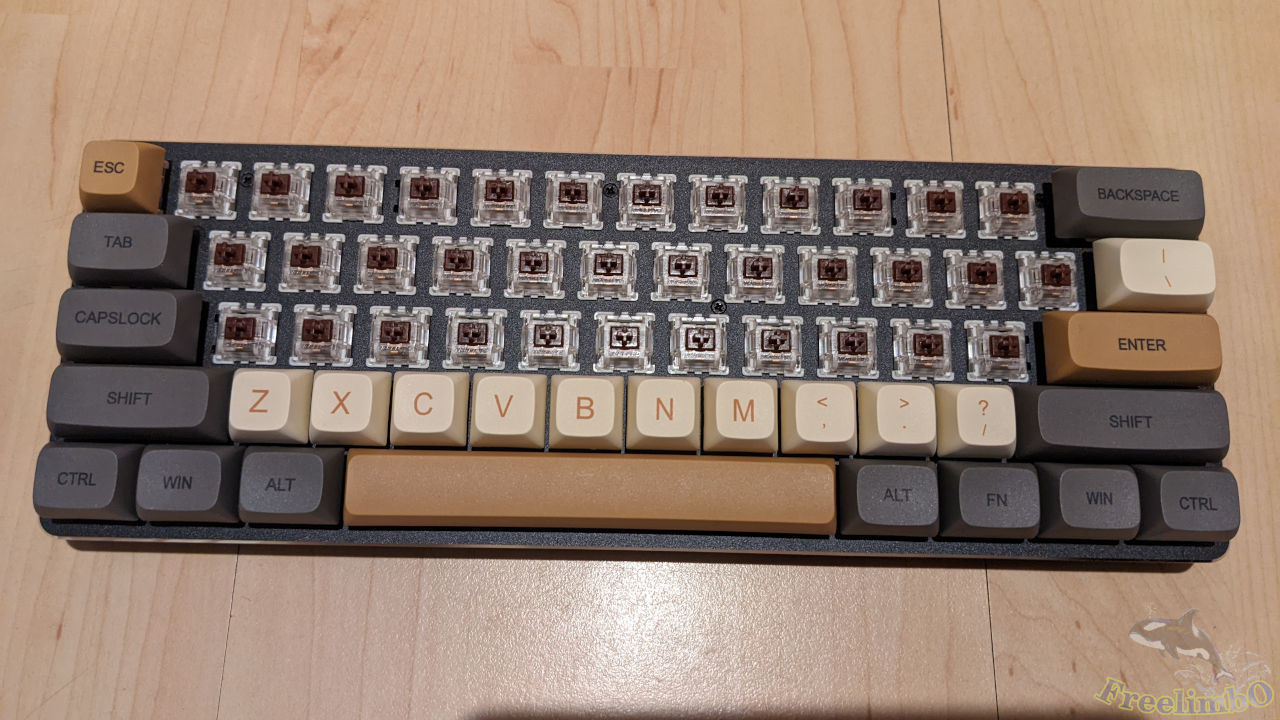
Started to work on the characters, which were also in brown.
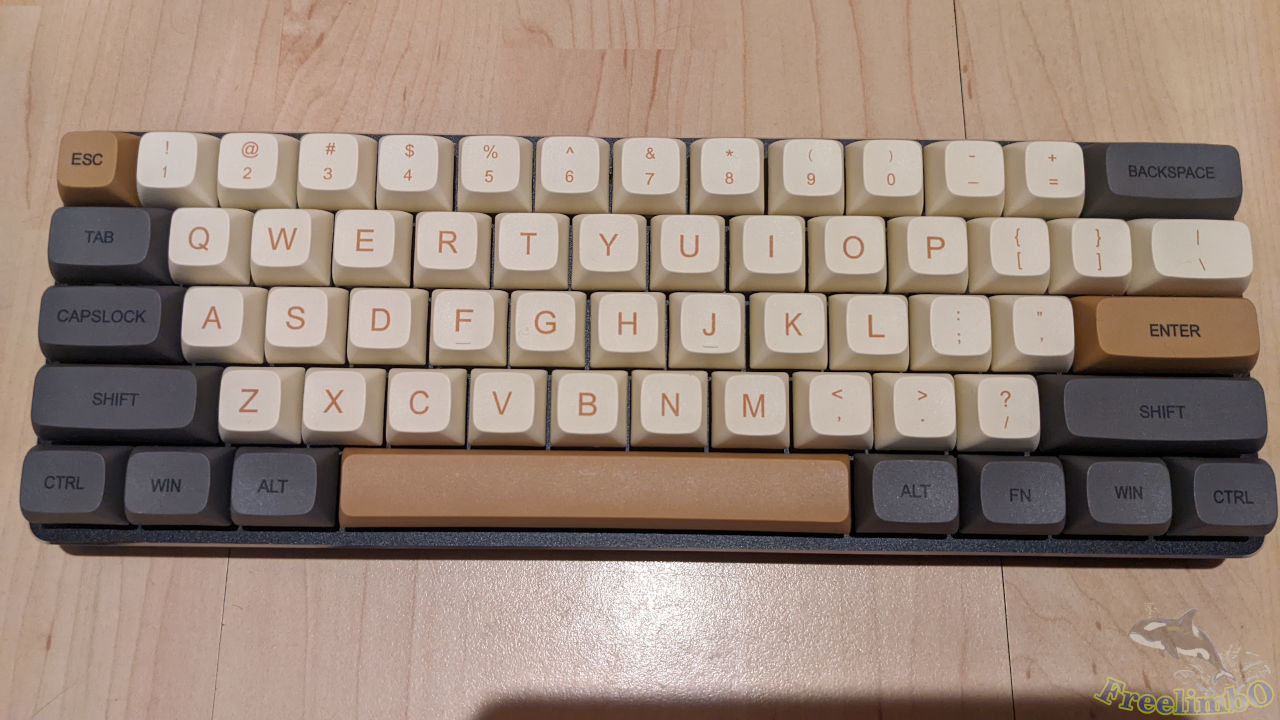
Finally, I got my new keyboard. Looked Great! 😃
I record the typing sound of the new keyboard. Here is the video:
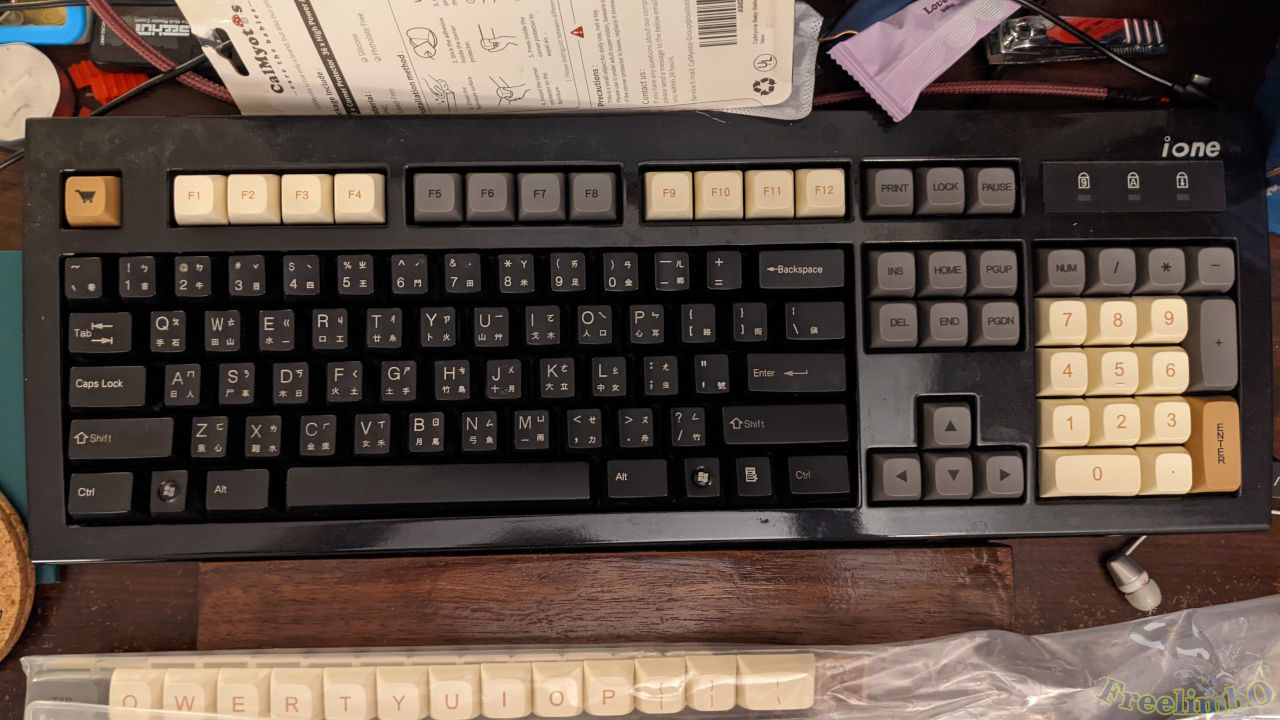
For the rest of the XDA keycaps, I put them on my full-sized mechanical keyboard (Cherry blue switch).
Comments
Coming soon..